
What all features are available in Conversive?
An Overview of Features
Conversive is a comprehensive communication platform designed to help businesses streamline customer engagement through a variety of messaging channels. From managing your audience to sending automated messages, Conversive offers a range of tools to help you connect with your customers effectively. Whether you're running campaigns, tracking conversations, or integrating with your preferred CRM or messaging channels, Conversive provides the flexibility and analytics needed for data-driven decisions.
What features are available in Conversive?
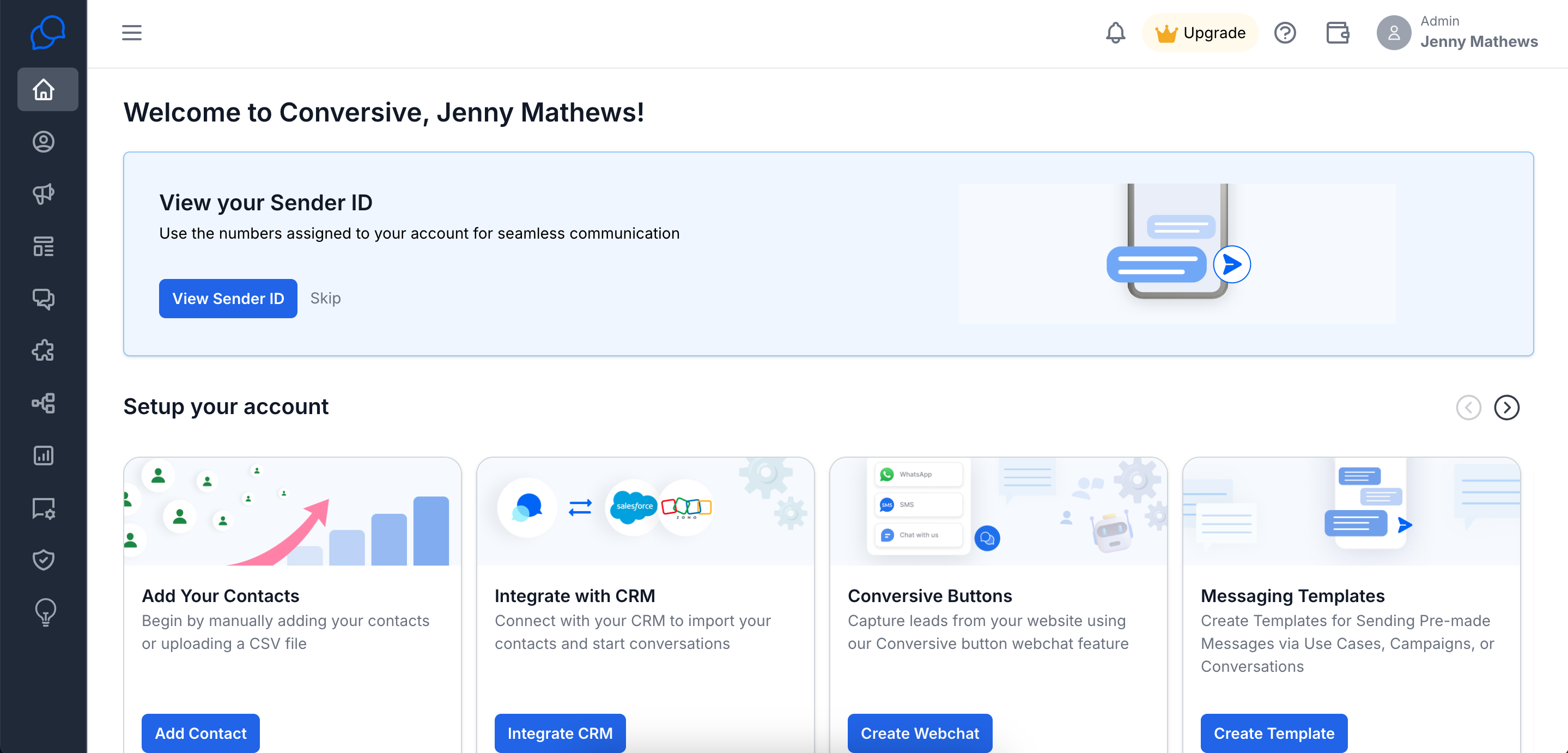
Once you sign up you will see the Home screen to guide you inside the product:
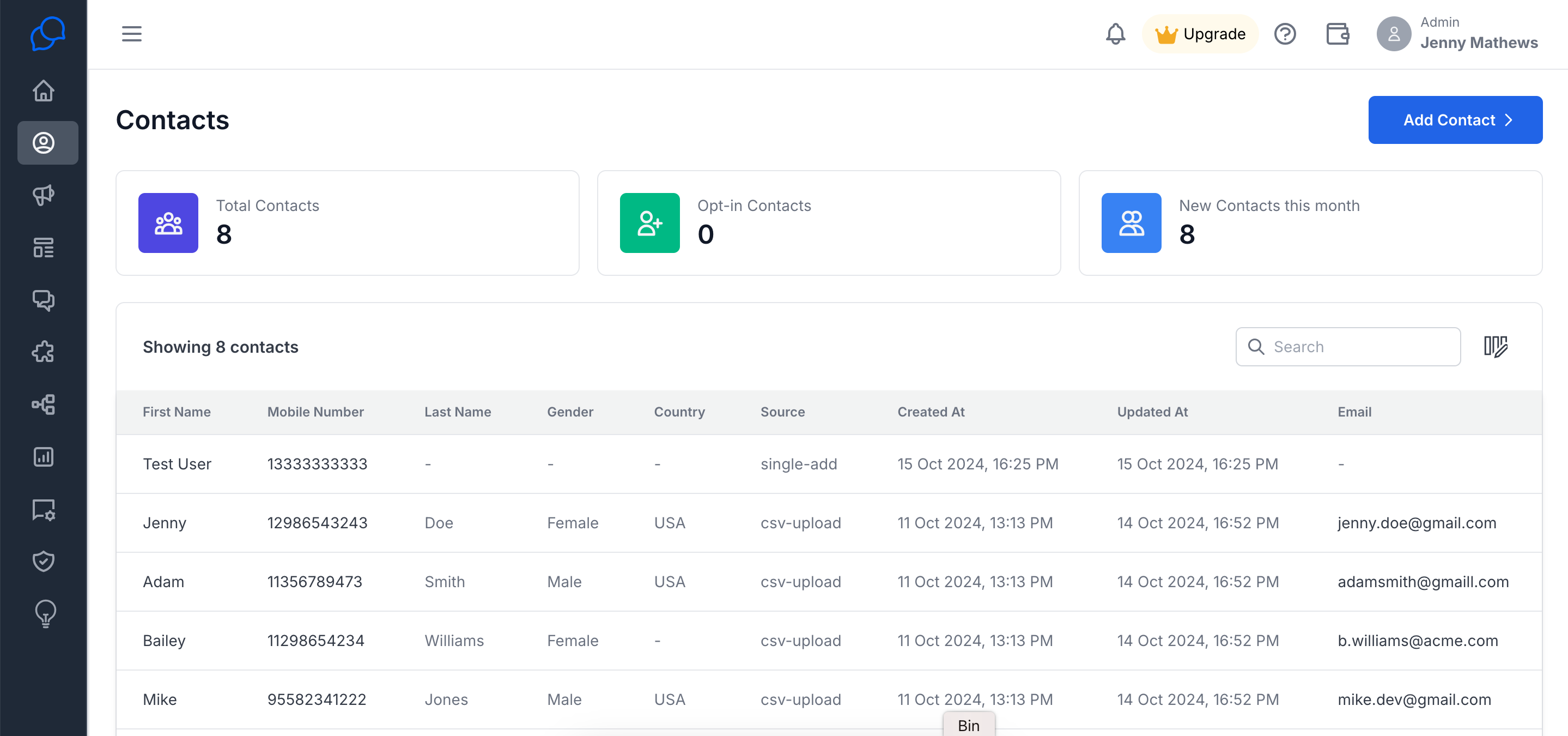
Audience Manager
Manage your contacts, segment them, and keep track of customer interactions.
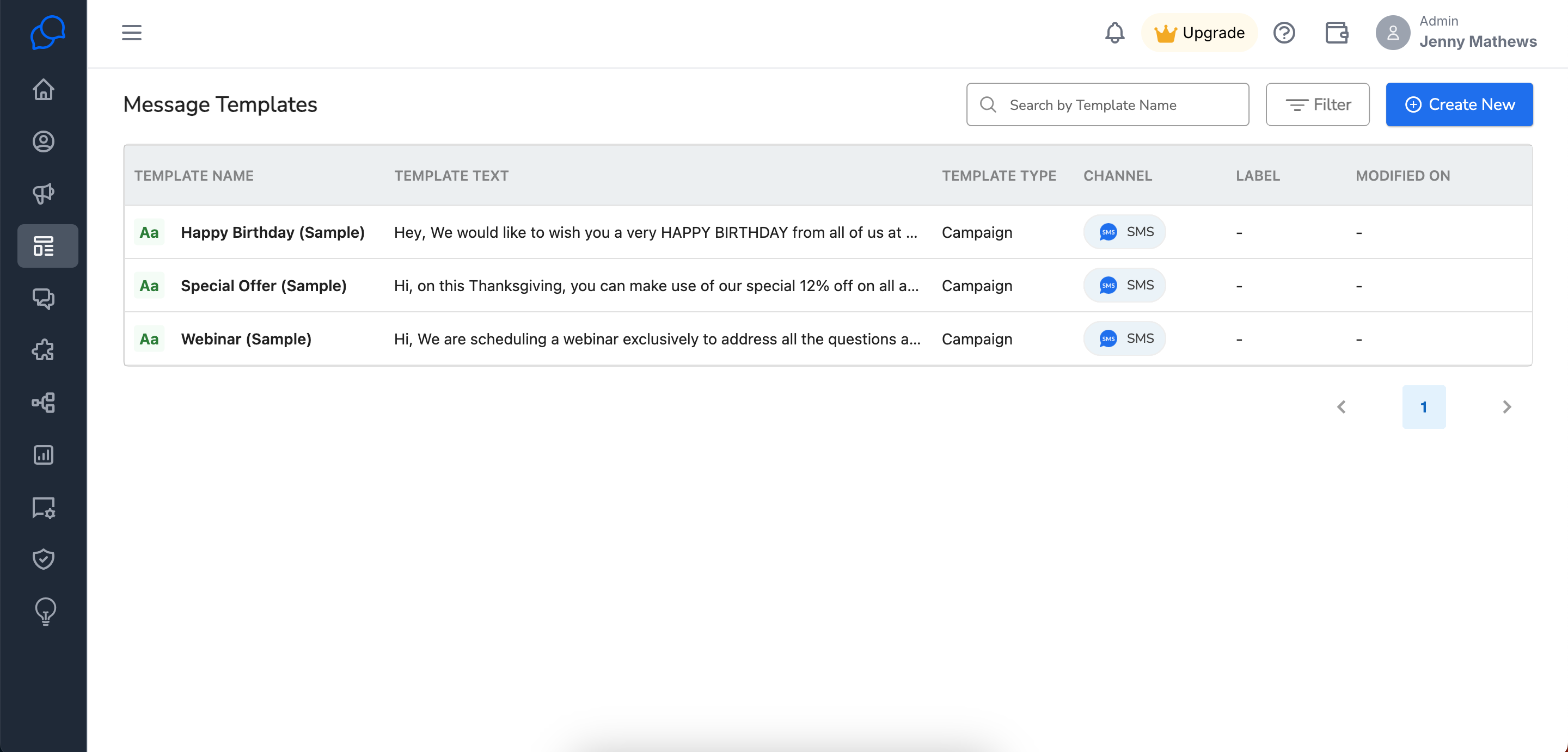
Message Templates
Create reusable templates to send pre-templated messages quickly and efficiently.
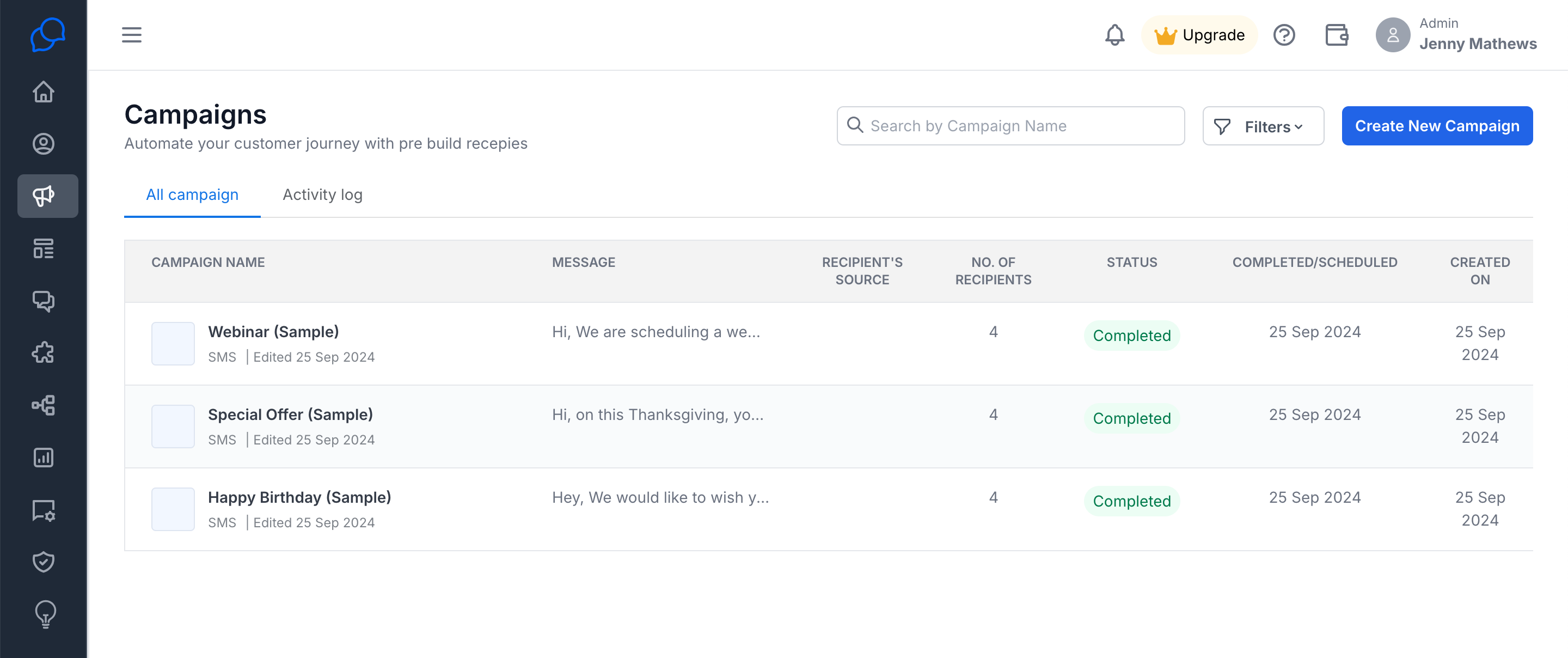
Campaigns
Run bulk messaging campaigns to reach your audience at scale.
Converse Desk
A centralized hub for one-on-one conversations, helping you manage real-time communications with ease.
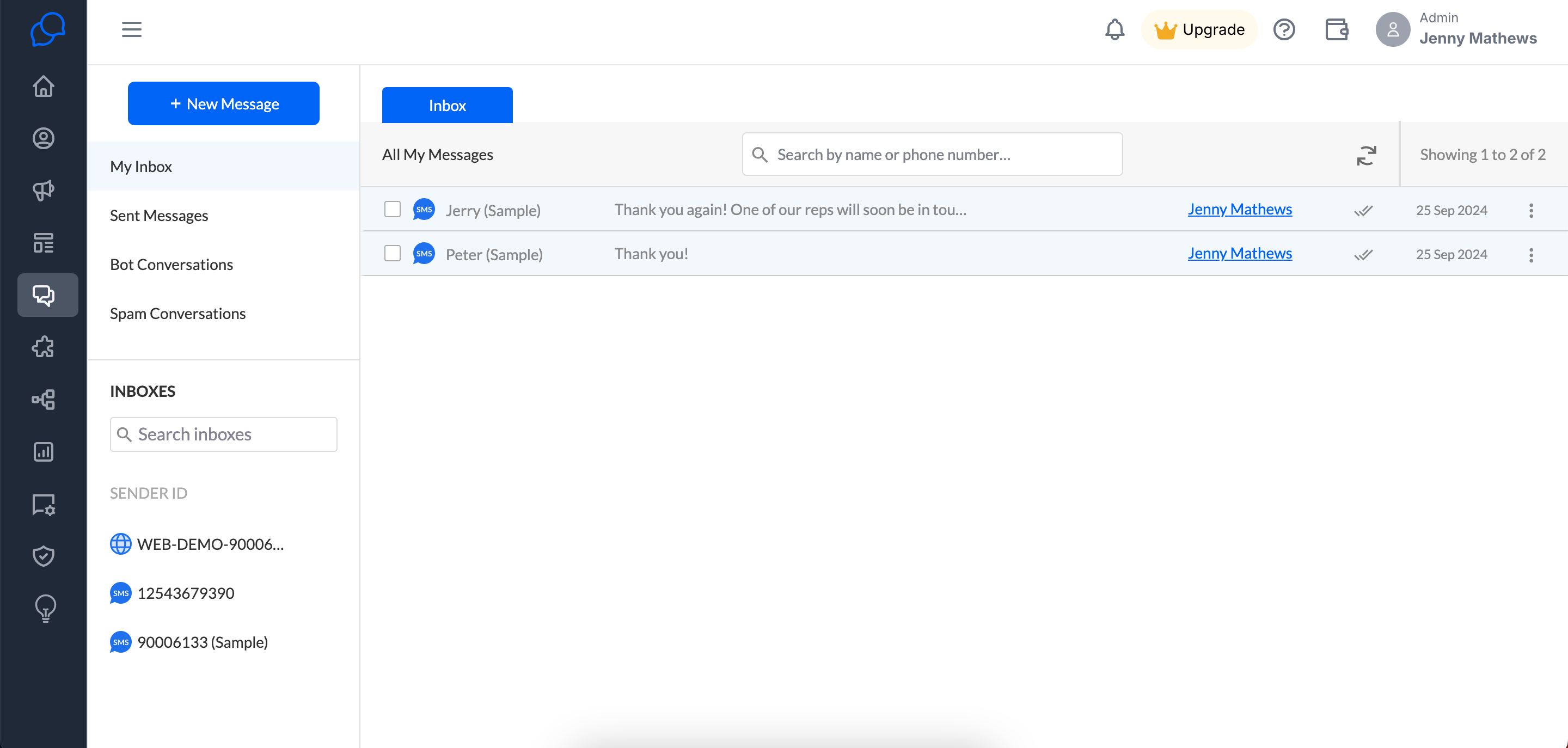
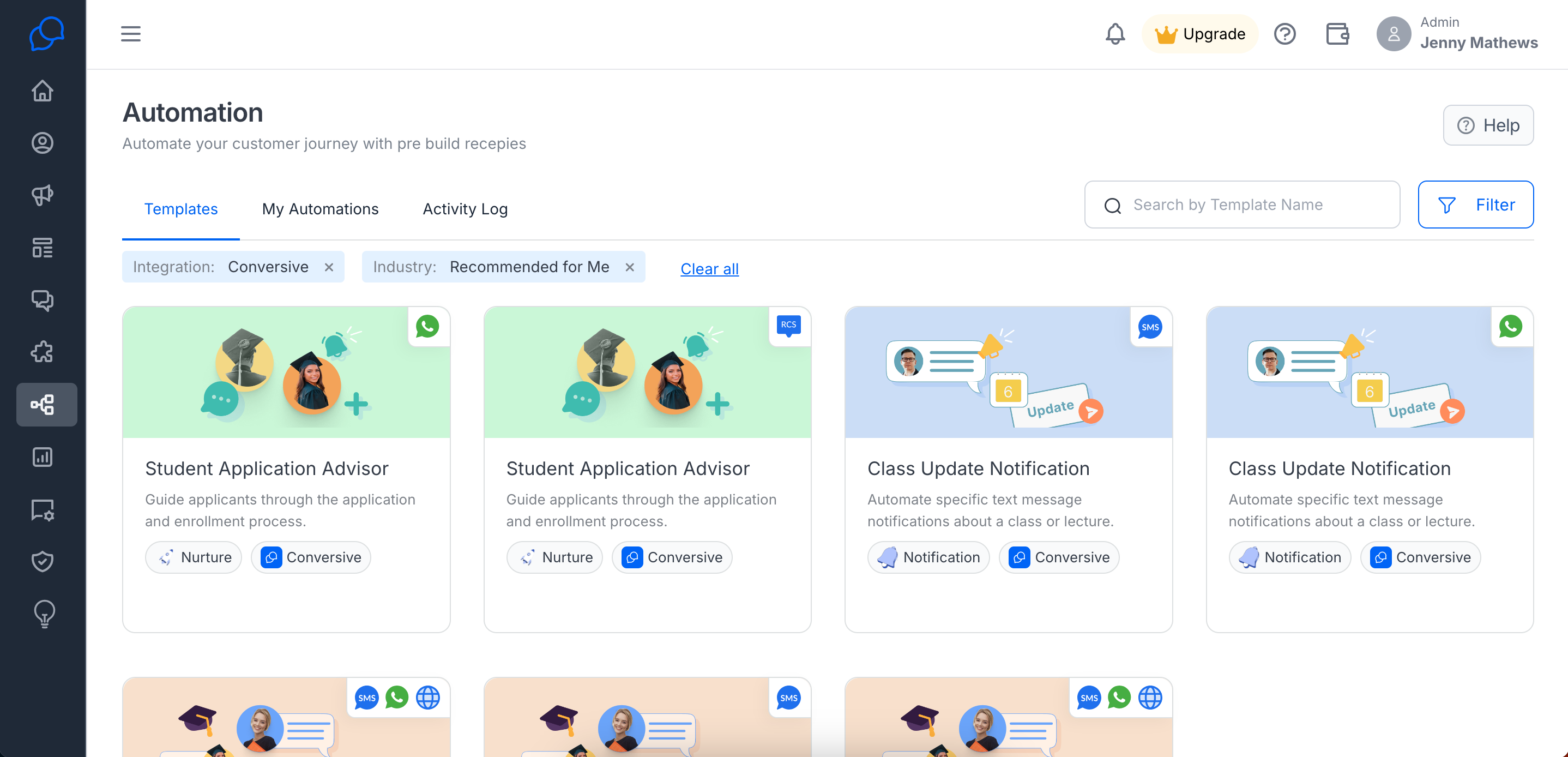
Automation Library
Automate your messaging workflows and send messages based on triggers or schedules.
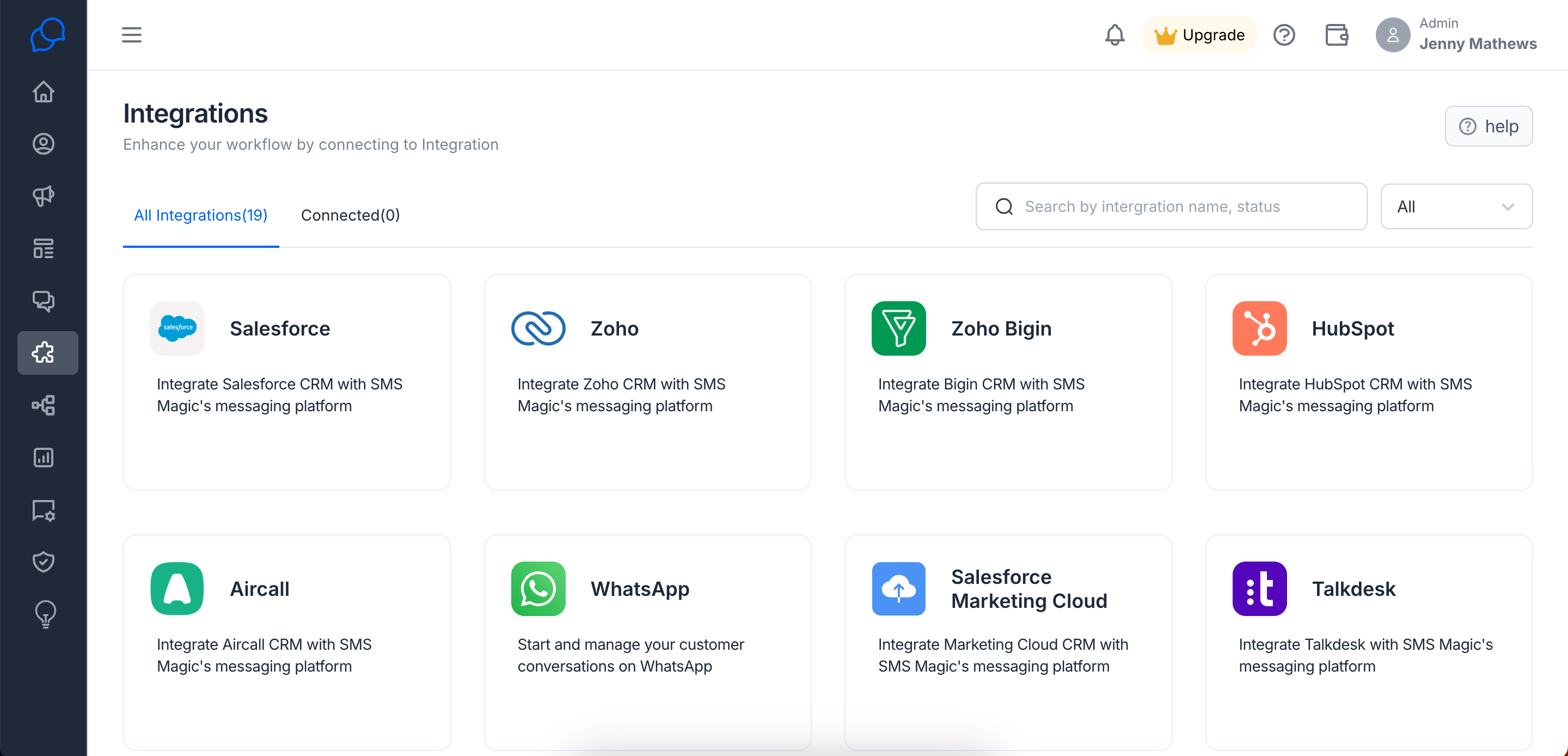
Integrations
Seamlessly connect Conversive with your CRM, CTI (Computer Telephony Integration), or other messaging channels for a unified experience.
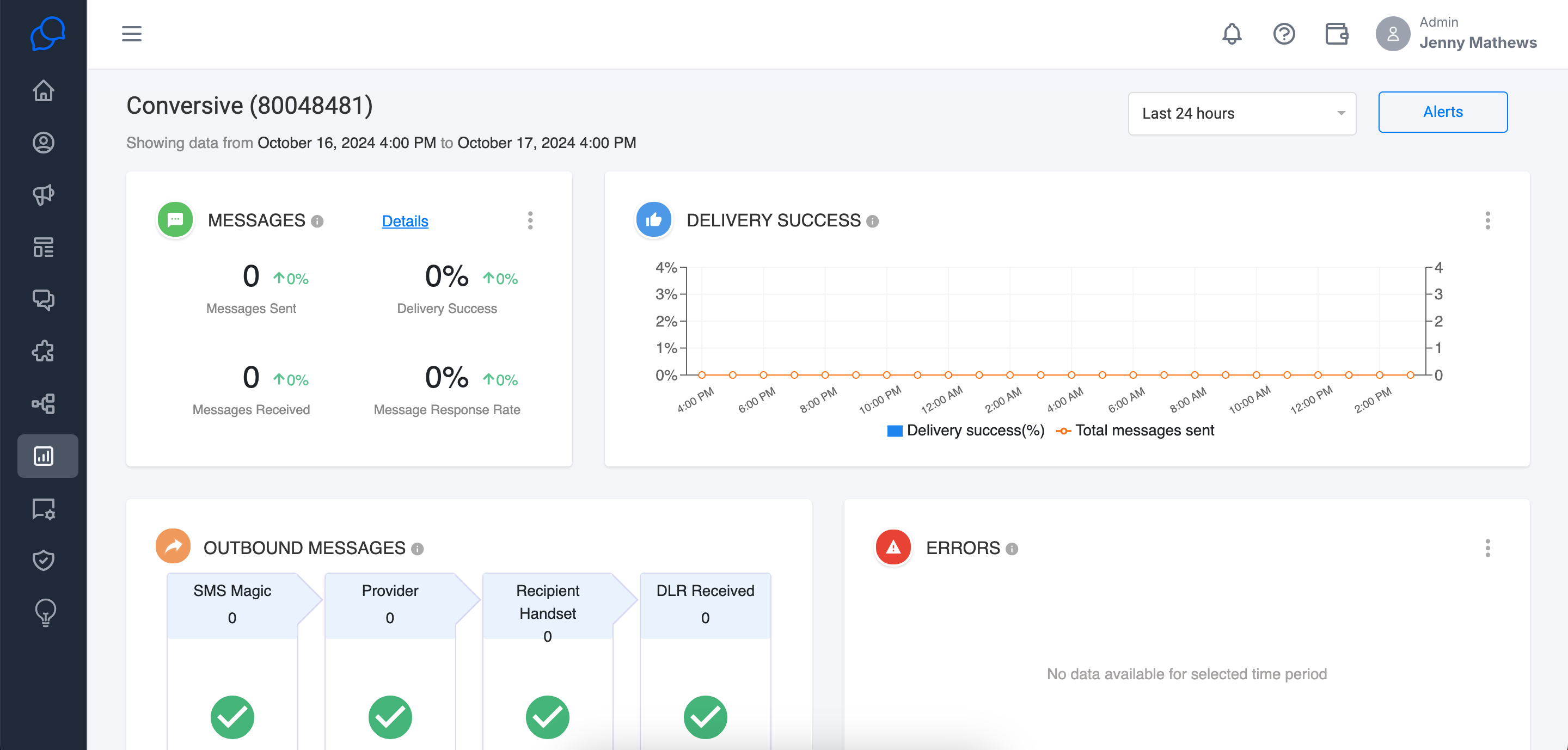
Analytics
View comprehensive data on your messaging activities, helping you understand performance and optimize your strategy.
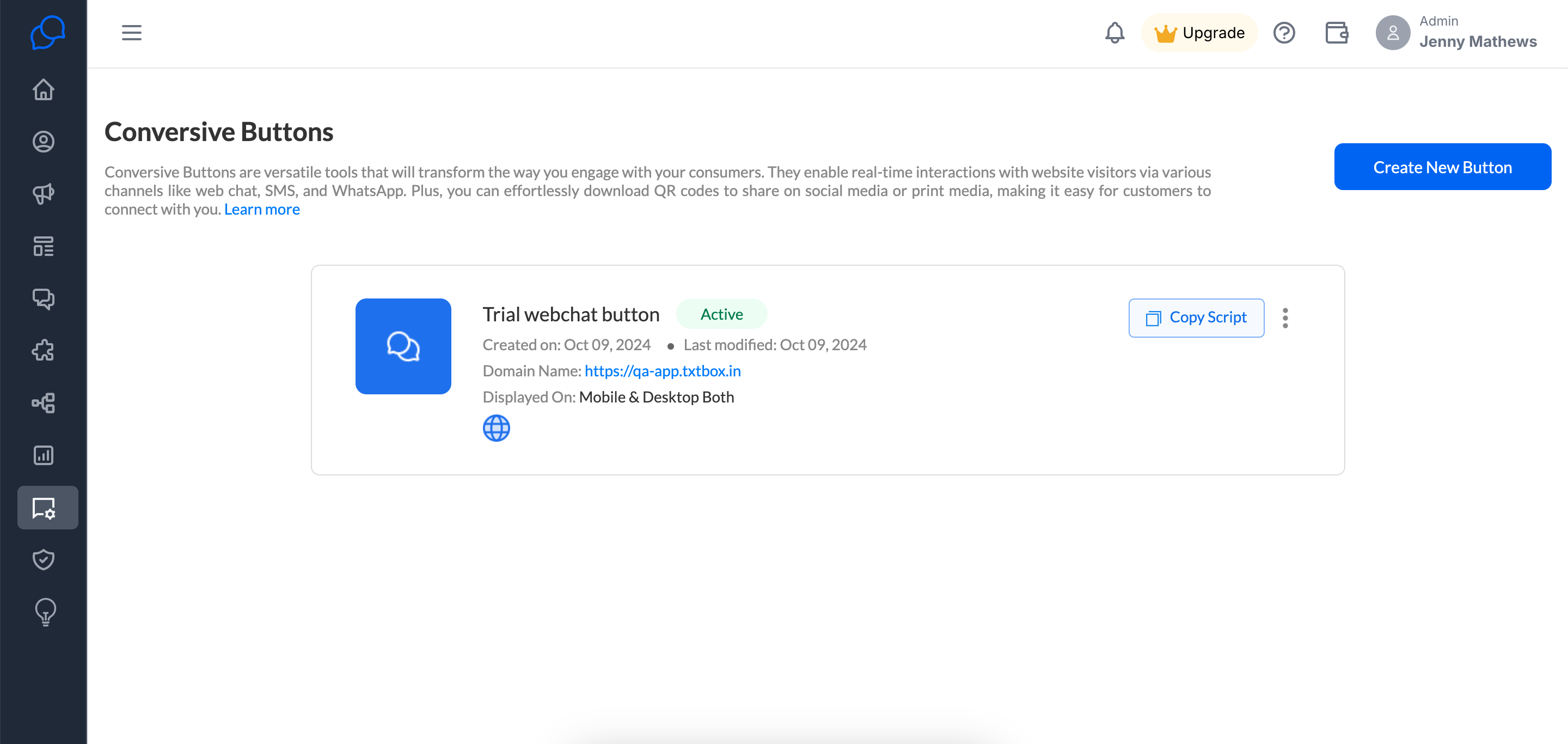
Conversive Button
Enable a webchat widget directly on your website to engage visitors in real-time.
Frequently Asked Questions
1. Can I invite my teammates during the trial?
No, you cannot invite teammates during the trial. You can invite them once your account is converted to a payee plan.
2. How can I view the available balance in my account?
You can view your current available balance by clicking on the wallet icon located at the top of the screen.
