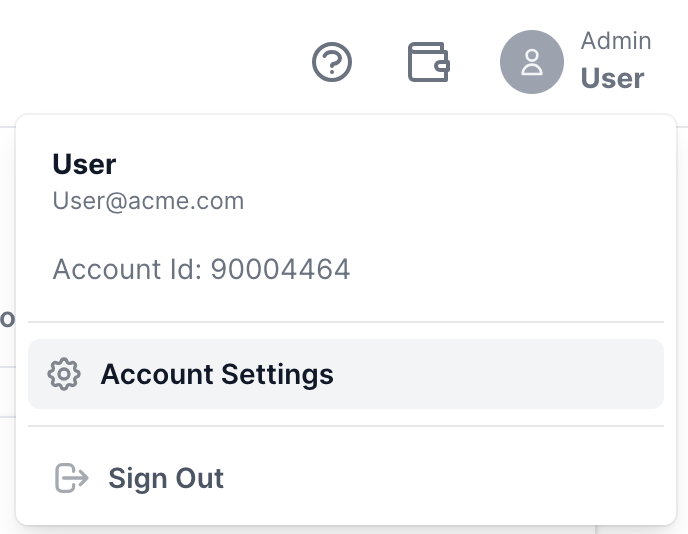
To access your account details, simply click on your Profile icon located at the top right corner of the screen.
From the dropdown menu, select "Account Settings" to view all information related to your Conversive account.
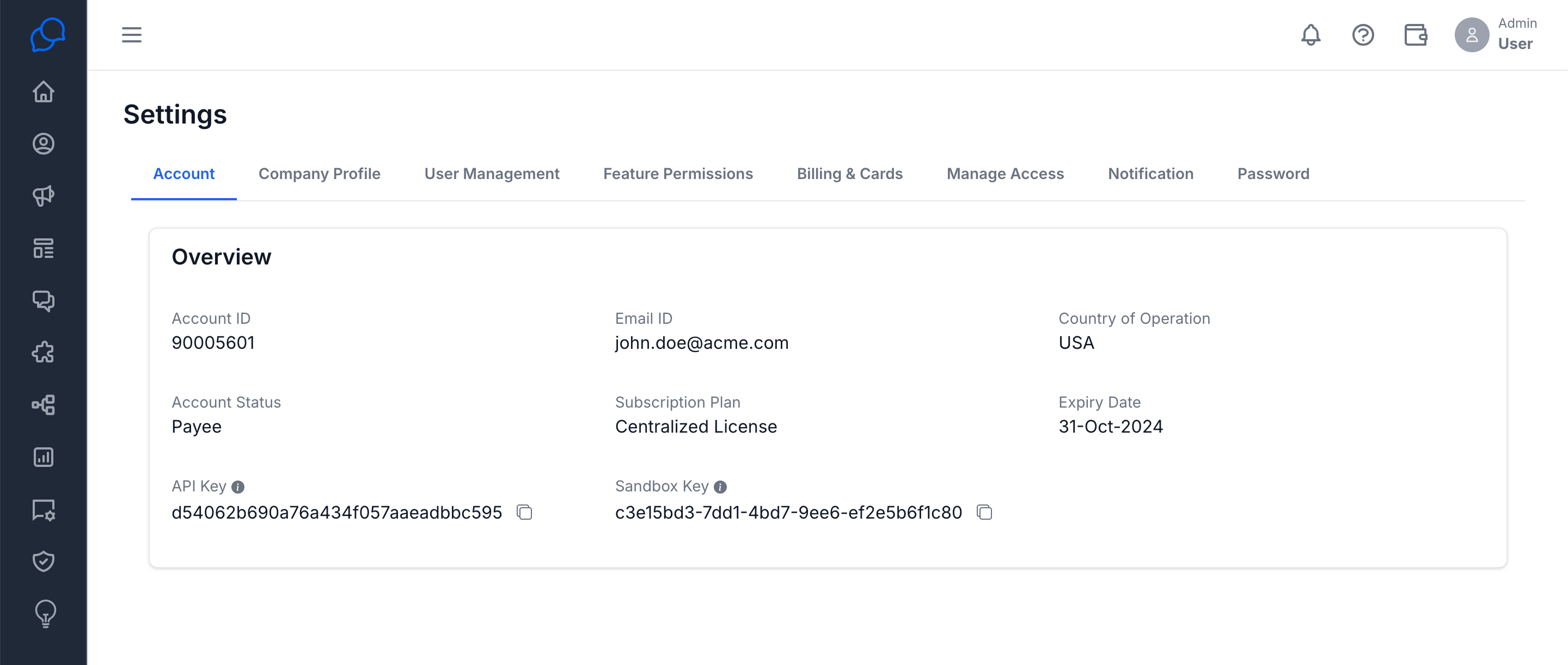
Account
This section provides a summary of your account details, including your Account ID, Email ID, and Country of Operation and more.